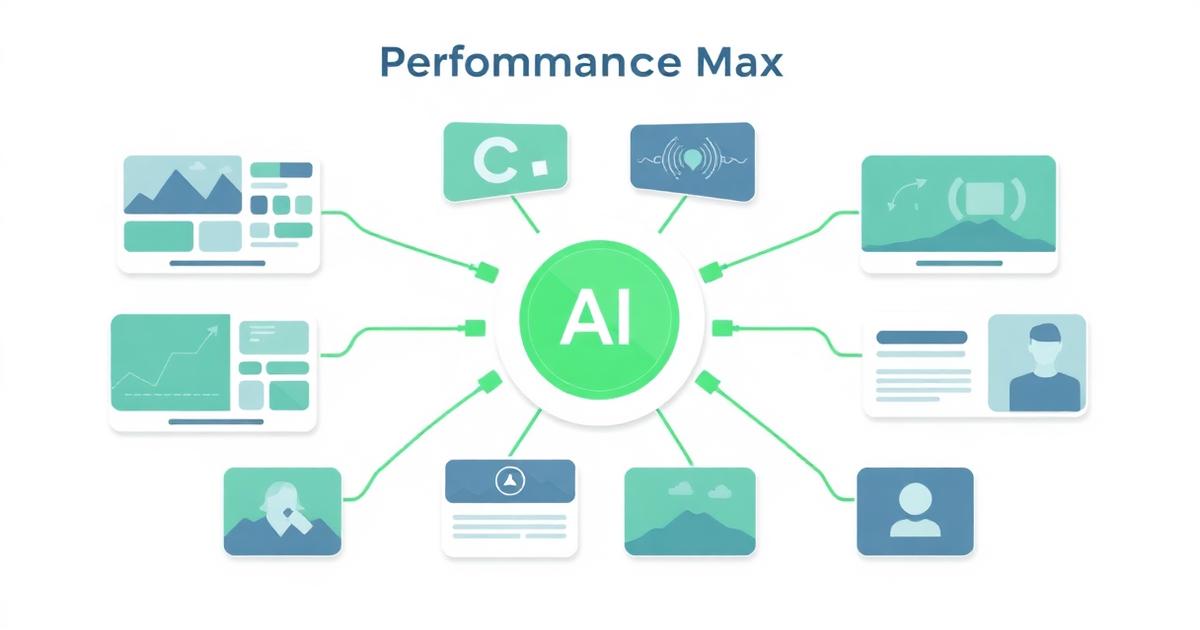
Performance Max is Google's AI-driven, cross-channel campaign type — one campaign runs across Search, Shopping, Display, YouTube, Gmail and Discover using audience signals and creative assets you provide. It can be excellent. It can also be a black box that quietly wastes 30% of your budget. The difference is setup discipline.
When to use Performance Max
- You have 30+ conversions per month with clean tracking.
- You have strong first-party audience data (customers, high-intent visitors).
- For ecommerce: a healthy Merchant Center feed with quality product data.
- You already have a working standard Search campaign — Performance Max amplifies, not replaces, direct-response fundamentals.
When not to use Performance Max
- Broken or noisy conversion tracking.
- Under 30 conversions per month — not enough signal for the algorithm.
- Weak or generic creative assets.
- You need full visibility into placements, keywords and audiences (Performance Max hides most of it).
Setup essentials
Asset groups
Treat asset groups like ad groups. One per theme, product category or audience — not one giant catch-all. Each group needs high-quality headlines, descriptions, images, video (or Google generates one automatically) and business info.
Audience signals
Audience signals are hints, not hard targeting. Feed the algorithm your best customer list, high-intent site visitors, and relevant in-market segments. The algorithm uses them as starting points and expands.
Product feed (ecommerce)
Feed quality determines shopping performance. Clean titles with brand + product + attributes, high-quality images, complete GTINs, accurate inventory. A great feed easily outperforms a mediocre one at half the spend.
Guardrails (the critical part)
- Brand exclusions — stop Performance Max from claiming credit for cheap brand search you'd already win.
- Negative keyword lists at the account level — request placement-level from Google support if needed.
- Separate campaigns for very different product categories or margin profiles.
- Conservative tCPA or tROAS targets initially; loosen as the algorithm proves it.
- Regular script or manual review of placements, brand search share and asset performance ratings.
Reporting and iteration
Use the Insights and Asset Group performance tabs — they're the closest thing to transparency Performance Max offers. Watch conversion volume, CPA and asset-level 'Best/Good/Low' ratings. Rotate low-performing assets monthly.
Common Performance Max failure modes
- Cannibalizing branded search — enable brand exclusions.
- Overspending on low-intent Display and YouTube placements — use negatives and stricter tCPA.
- Poor creative — generic images and thin RSAs produce generic results.
- Duplicate conversions in tracking — Performance Max amplifies whatever signal you give it.
Explore next
Learn more about how NexGrowthPPC delivers results — see our Google Ads and PPC services, read what clients say about our work, or learn more about our team.
Frequently asked questions
Is Performance Max worth using?
Yes, when you have clean conversion tracking, 30+ conversions/month and strong audience signals or product data. Without those, it usually underperforms a well-run standard Search + Shopping setup.
Does Performance Max replace Search campaigns?
No. Performance Max works best alongside a strong Search foundation, not instead of it. Search still owns the highest-intent, most controllable traffic.
How much control do I have over Performance Max?
Less than in standard campaigns. You control asset groups, audience signals, tCPA/tROAS, budget and account-level negatives. Placements and keyword-level bids are hidden by design.
How do I stop Performance Max from spending on branded search?
Enable brand exclusions in the campaign settings. Without this, Performance Max often claims credit for cheap branded traffic and inflates its apparent ROAS.
How long does Performance Max take to learn?
Typically 2–4 weeks with steady spend and clean conversion signal. Rapid budget or target changes reset the learning phase and delay results.
Book a free Google Ads audit with NexGrowthPPC
We'll review your account against the checklist in this article and show you the fastest CPL wins — no obligation, no cost.